Your Buyer Is Up A Ladder
Roofing, HVAC and plumbing owners are rarely at a desk. Outvid sends a video they can watch one-handed, in the van.
Built for the modern sales stack







What lands
What a prospect in Contractors and Trades opens
The prospect and the opening line come from Contractors and Trades.
Alex Masson
PromotionsQuick question about your pipeline
Hi there, I came across your company and wanted to see if you're open to a quick 15-minute call about how we help teams...

Your Name
Video MessageMade this video for you, Dave

Hey Dave, I looked at what Ridgeline Roofing actually does before recording this.
Click to watch your personalized video →
The Contractors and Trades problem
Challenges in Contractors and Trades outreach
Email Reaches Them Between Calls, On A Phone
They Get Pitched By People Who Have Never Been On A Site
The Decision Maker Is The One Driving The Truck
One Recording, Then Every Owner Hears Their Own Company Named
You record about a minute of yourself talking to camera. That recording becomes your clone, and every contractor on the list gets a video from you that names their business and what they actually do: roofing across two counties, heating and cooling out of three depots, an electrical firm that just took on six apprentices. Before you launch you watch a few sample scripts and videos and change the wording until they sound like you. After that the campaign runs on its own and your time goes on the replies.
Every Video Names Their Business
The script is built from what is publicly true about that firm: the trades it covers, the area it serves, a new depot, a recent hire. You set the brief every script is written from, and before you launch you read a sample of the scripts Outvid wrote and rewrite anything that reads like a guess about their work.
Sent On The Channel That Owner Answers
If the owners on your list run their day on WhatsApp, send there. If they only open LinkedIn on a Sunday night, send there. You pick the channel per campaign instead of stacking a fourth email on top of three ignored ones, and you can run the same list on two channels to find out which one this trade answers on.
Landing At Six In The Morning, Not At Eleven
You set the hours a campaign is allowed to send and the time zone it counts them in, so messages arrive while the truck is being loaded, or later on when the paperwork gets done at the kitchen table. Not at eleven, with a crew waiting on a materials call.
Example hooks
Example video hooks for Contractors and Trades
Outvid drafts a fresh opener per prospect from what its research turns up.
Trade specific
“Hi Dave, I looked at what Ridgeline Roofing actually does before recording this.”
Short by design
“Hi Dave, this is short because I know you are not sat down.”
Named
“Hi Dave, this is about Ridgeline Roofing, not a general pitch.”
Setup
How to get started
From recording to live campaign in minutes.
Record yourself once
One take to a laptop camera becomes your clone.
Load your contractor list
Outvid reads each firm's site: trades covered, patch, crew size where it is public.
Review a sample, then launch
Check the scripts sound like a person, not a product tour.
Take the replies
Replies land in one inbox.
Where the video actually lands
In email it opens a page built for them. In chat it plays in the thread. Either way it carries the research behind it.
A GIF in the message. Clicking it opens their own page.
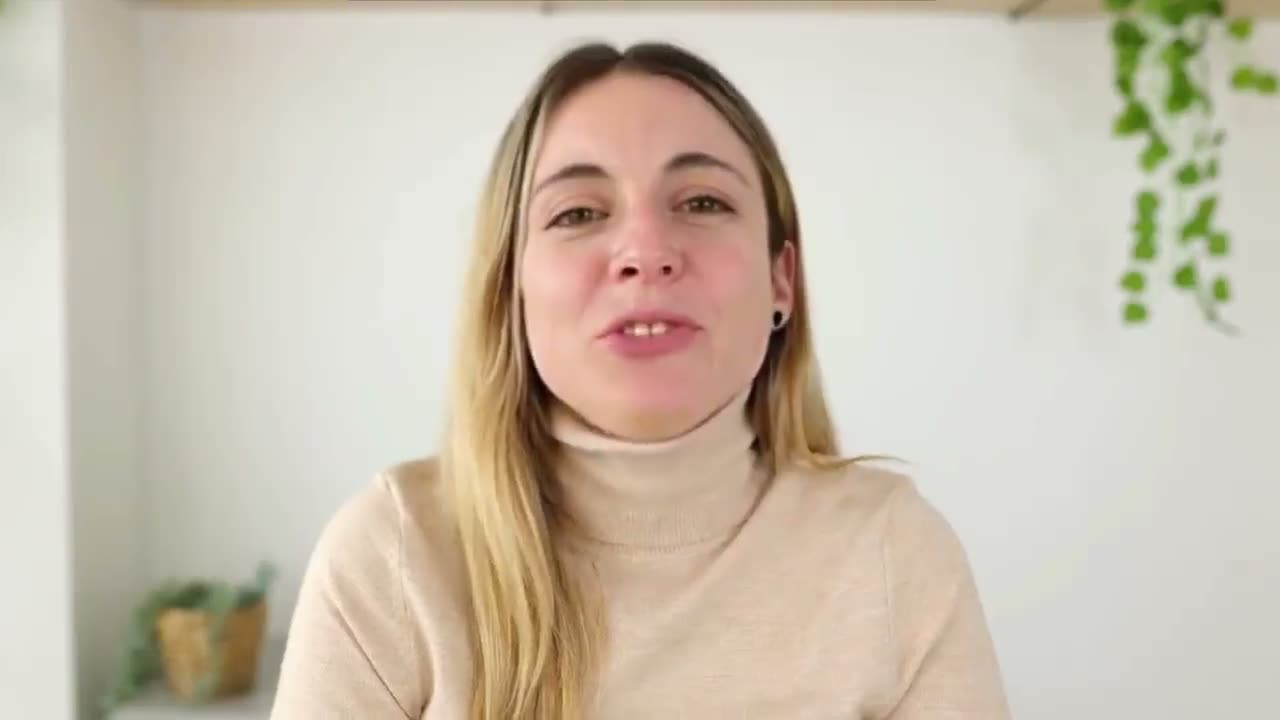
The video plays right in the thread.
Arrives as an attachment in the chat.
Lands in their DMs, ready to play.
What's customized:Outvid researches every prospect and surfaces the signal that triggered the outreach, right on the page.
Sample prospect data, shown for illustration.
Common questions
Outvid is new and has no reply figures to quote, so here is the argument instead of a number. What you are sending is a named person, on camera, saying the name of their company and what you want. It can be watched one-handed in the van at lunch or in the truck before the first call, and it asks for no typing. Whether roofing and HVAC owners in your market answer it is exactly what the trial is for, which is why the trial is seven days and does not ask for a card.
Run the same list on two channels and let the replies decide, because the answer changes by trade and by country. Outvid sends across email, LinkedIn, WhatsApp and Instagram, and your plan decides which of those are switched on, so check the pricing page before you build a campaign around one of them. If the owners on your list already run their crews and their customers through one app, try that one first.
No. You record yourself once, about a minute to camera, and Outvid builds your clone from that. Every video after that is generated from the same recording, so a list of four hundred roofing and HVAC businesses does not mean four hundred takes. Before you launch you look at a few sample scripts and videos and rewrite anything that does not sound like you, then the rest are written and sent as the campaign runs.
If it does, look at the script before you blame the video. The face and the voice are yours, recorded by you, and the same person turns up on the call afterwards. So write it the way you would open a phone call: name the business, say what you want, and be short about it. If a sample script is guessing about their work, fix the wording before you launch, because that is the guess that will be repeated four hundred times.
A list of contractor businesses with one contact each, a recording of you talking to camera, and a sending account connected so the messages go out from you. That is the setup. The trial runs seven days and does not ask for a card, and there is no free tier afterwards, so you pick a plan at the end of it. The list is the part worth spending real time on: the right four hundred firms beats four thousand of anyone.
Send one to a contractor on your list
Seven days, no card. Record once and see what it writes for the first ten firms you would ring.
Alex Masson
PromotionsQuick question about your pipeline
Hi there, I came across your company and wanted to see if you're open to a quick 15-minute call about how we help teams...
Your Name
Video MessageMade this video for you, Dave
Hey Dave, I looked at what Ridgeline Roofing actually does before recording this.
Click to watch your personalized video →