One recording. Every prospect. Your face, your voice.
Record a 90-second take. Outvid trains an on-camera persona that delivers a fresh script to every prospect, in your real footage.
Sends and syncs with the tools you already run





One take, three prospects
What a single recording turns into
The take you record once, and three videos built from it, each delivering a different prospect's script.
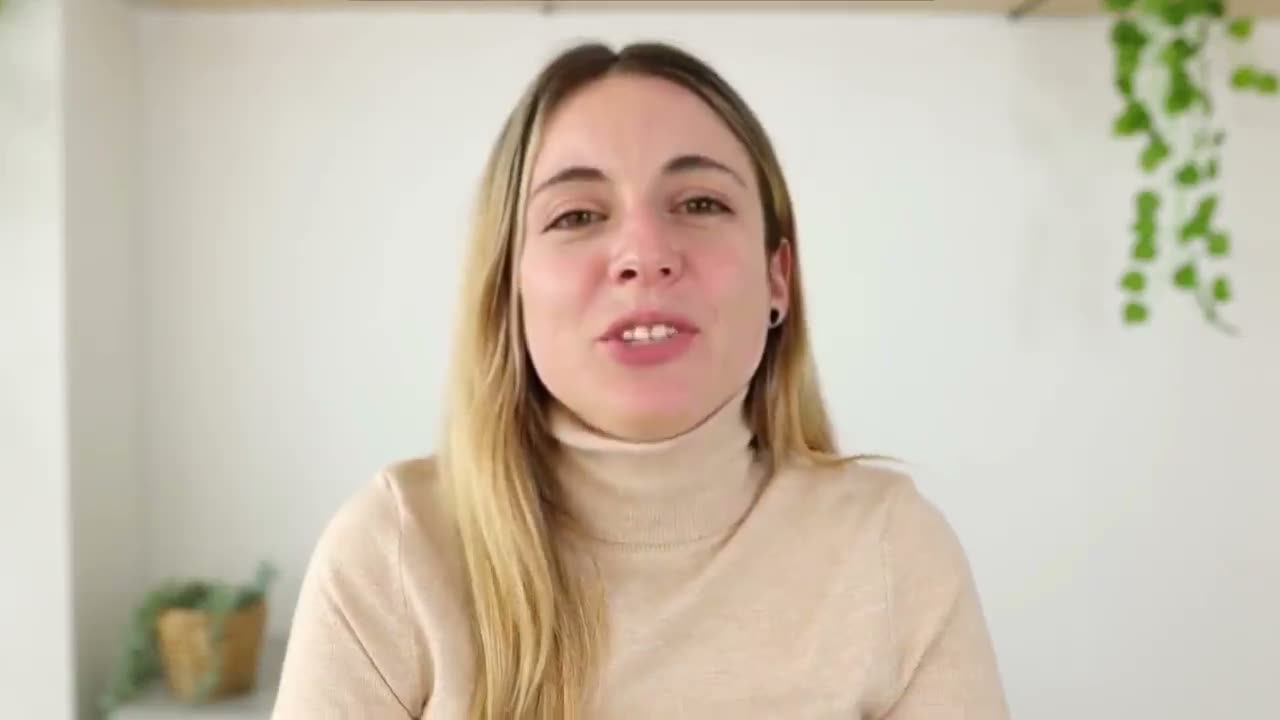
You record this once. Nothing about your face is generated.
Marcus · Ramp
Head of Sales
Sofia · Lattice
VP Sales
Raj · Notion
Head of Growth
Each one is a fresh script, delivered in your trained voice.
Why on-camera, not synthetic
It really is you on the screen
Your real recording stays on screen; only the script and the voice delivery change per prospect.
Visual: your real footage
Voice: your trained voice replica
Per-prospect script delivery
From a single recording to a campaign-ready persona
A clean webcam recording is enough. No studio, no greenscreen, no agency.
Record one short consent take
90 seconds on a clean webcam is enough.
Outvid trains and reviews
Your voice and delivery are trained from that take, then you review the result.
Ship per-prospect videos
Outvid writes a fresh script per prospect and your persona delivers it.
A laptop webcam and a quiet room. That is the whole input.
- Your footagestays on screen
- Your voicetrained from the same take
- A fresh scriptwritten per prospect
Your clone does the talking
You don't have to perform. Your clone does.
Your clone delivers the right words for each prospect, in your voice, with no nerves and no stumbles.
Says it perfectly, every time
Every send is a clean, fluent take with no stumbles and no filler.
You never write a word
Outvid researches each prospect and writes the script; your clone delivers it.
Your voice, every language
It speaks in your own voice, in your prospect's language.
It's your clone, you're in control
Review every script and video before it reaches a prospect.
Give your clone a warm take to learn from, and that warmth carries into every send.
One clone, every language
Your clone speaks every language
Record once. Your clone delivers the same message, same face and voice, in your prospect’s language.
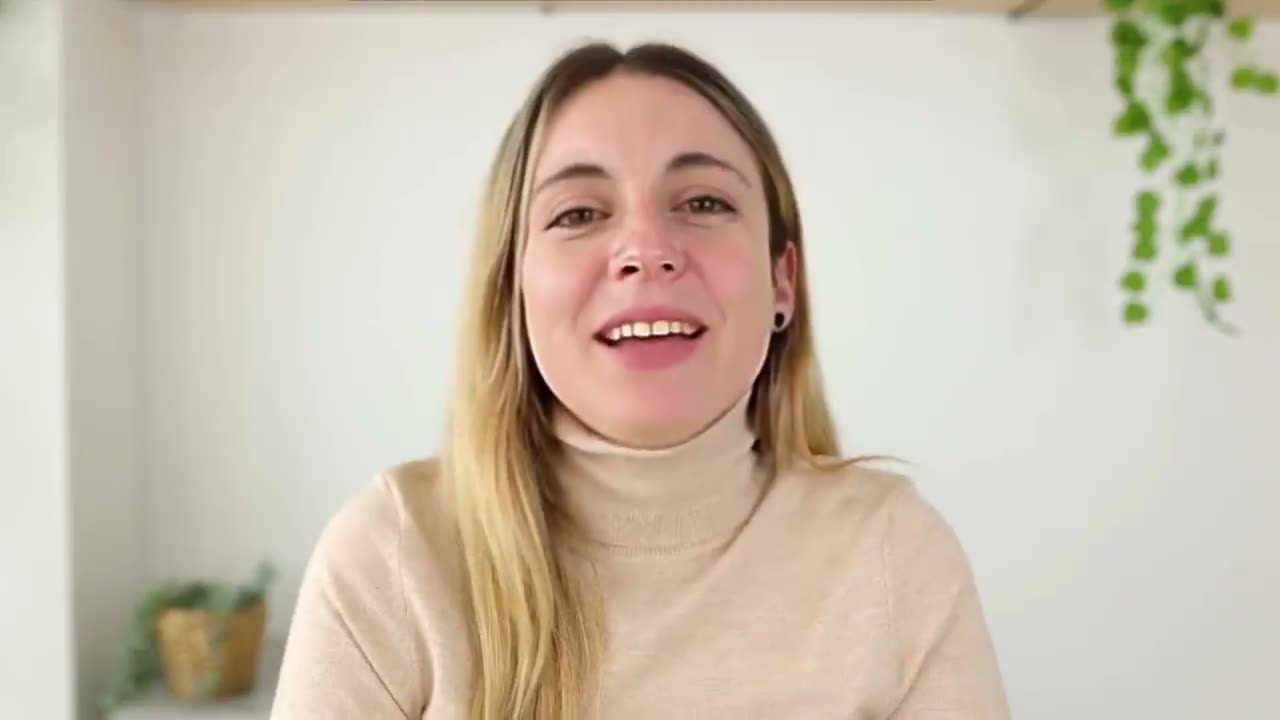
Daniel — congrats on the funding round.
One take. Switch the language — it’s still you.
+ 17 more languagesQuality & consent first
You approve every persona before it sends
Every recording starts from your consent, every persona is reviewable, and every send is auditable.
- Consent-first: training only starts from authorized recordings you upload
- Review-first: every persona is approved before campaigns can use it
- Per-send auditability: every output is reviewable in the campaign timeline
- Workspace-scoped: nothing crosses tenant boundaries or gets shared
Authorized recordings only
Approve before send
Performance that holds up
Your voice, not a stock voice
On-camera vs synthetic avatar
Why prospects skip the AI avatar
A prospect who spots a digital twin stops watching the pitch and starts watching the software.
Synthetic avatars
- A recognisable AI face that prospects spot in seconds
- Mannerisms feel off, so attention goes to the tool
- Brand and personal authenticity get diluted
- Stock avatars, so your video looks like everyone else's
On-camera personas
- Real footage of you on screen. No AI face
- Your voice, your tone, your expressions, at scale
- One recording personalises infinitely without re-shooting
- Different from teams sending stock-avatar video
The page your prospect opens
Emailed, it opens a page with your persona already playing. In chat it plays right in the thread.
A GIF in the message. Clicking it opens their own page.
The video plays right in the thread.
Arrives as an attachment in the chat.
Lands in their DMs, ready to play.
What's customized:Founders lead with one sharp reason a prospect should care, backed by the proof that's true for their segment.
Sample prospect data, shown for illustration.
Frequently asked
No. The video on screen is your real recording — Outvid never substitutes a synthetic AI clone or AI avatar in your place. Only the script and voice delivery change per prospect; the rest is the take you uploaded.
Synthetic AI avatars generate a fully digital face from scratch — prospects can usually tell, and reply rates suffer (the uncanny valley). On-camera personas keep your actual recorded video as the visual anchor and only personalize the visual delivery. Same speed and scale, no synthetic face on screen.
Most teams are campaign-ready in under an hour after uploading a clean 90-second consent recording.
Yes. The visual on screen is your real recording. Outvid only personalizes the script and the voice delivery — never your face.
A modern laptop webcam and a quiet room is enough. No greenscreen, no studio, no agency.
Always. Every script is reviewable, every render is approvable, and every send is auditable in the campaign timeline.
Yes. Personas are built only from recordings you explicitly upload. There is no scraping, lookalike training or third-party likeness use.
No. Your AI clone does the talking. Outvid writes each prospect's script and your clone delivers it in your voice, cleanly and fluently, with no stumbles and no nerves, on every send. You never have to perform live, improvise, or record per prospect.
Especially you. The hard part of video outreach is doing it well, over and over, at scale, and that's exactly the part your clone handles. You set it up once, and from there it carries your presence to every prospect for you.
Yes. Your clone is trained on your own voice, so your tone and accent stay yours across every send. Give it a warm sample to learn from and that warmth carries through. It delivers the best-written version of your message, in your voice, every time.
Record once. Send infinite personalized videos.
Record a 90-second take and start sending per-prospect campaigns in your real face and voice.
Alex Masson
PromotionsQuick question about your pipeline
Hi there, I came across your company and wanted to see if you're open to a quick 15-minute call about how we help teams...

Your Name
Video MessageMade this video for you, Marcus

Hey Marcus, saw Northwind just opened its second site, congrats!
Click to watch your personalized video →