First reply wins. Outvid answers in 90 seconds.
A lead raises their hand. Your On-camera Persona researches them, writes a script about what they asked, and sends the video.
Wired into the inbound stack you already run







Watch one
What an inbound lead opens
Your face, your voice, and the thing they downloaded named in the first line.
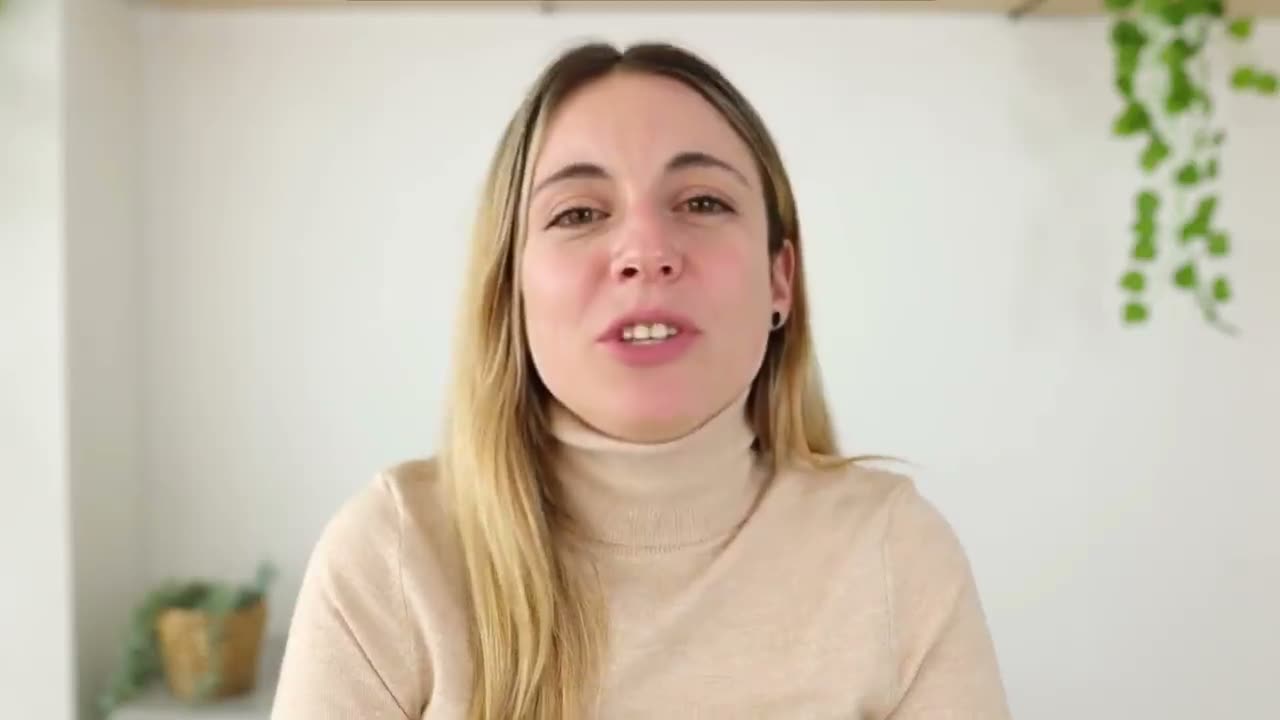
Tom, you grabbed our guide ninety seconds ago. Here's me.
The problem
The inbound response problem every B2B team has
Inbound buyers are at peak intent for five minutes, and most teams reply hours later.
Speed-to-lead is the whole game
By the time the average team replies, the buyer has booked with someone else.
Auto-responders feel exactly like auto-responders
'A rep will be in touch soon' tells your highest-intent buyer you sent a template.
Inbound video has been too slow to be useful
By the time a rep finds time to record, the inbound moment is over.
How to run it
How to launch inbound video replies
Three steps. Record once, and your On-camera Persona does the rest.
Pick Warm outbound and write the brief
The AI writes and records everything
Launch and it runs itself
The campaign brief
One brief in, on-message video and email out
Every inbound lead gets its own research, its own script, and its own email.
Tell the AI about this campaign
Written once — applied to all every inbound lead in this campaign.
Hi Jordan, thanks for raising your hand. You wrote that Tier-1 tickets are burying your agents, so instead of a generic tour I'll show you the helpdesk AI deflecting exactly those before they ever hit a human. Got 15 minutes today?
Hi Amara, saw you came in worried about the holiday ticket spike on top of Zendesk. I can wire the AI in front of your current stack so the repetitive questions resolve themselves and your team only touches the edge cases. Quick walkthrough today?
Hi Diego, you just asked whether the helpdesk AI plugs into Intercom. It does, sitting in front of it to auto-resolve Tier-1 volume. Rather than describe it, let me show you the exact flow on your setup. Free for 15 minutes this afternoon?
This arrives instead of your auto-confirm
One reply opens on a video recorded for them. The other two are templates.
- Their own site scrolling behind your face, not a stock play button
- A subject line written for them, above two that were written for nobody
- One click to the page that holds the video, the recap and the calendar
Alex Masson
PromotionsQuick question about your pipeline
Hi there, I came across your company and wanted to see if you're open to a quick 15-minute call about how we help teams...

Your Name
Video MessageMade this video for you, Marcus

Hey Marcus, saw Northwind just opened its second site, congrats!
Click to watch your personalized video →
What you get
What inbound teams unlock with Outvid
The 5-minute window stops being aspirational.
90s
Form-fill to personalized video sent
5min
The speed-to-lead window Outvid is built to hit
1-click
Calendar embed inside every reply
Native
HubSpot + Salesforce form webhooks
Why it lands
Every inbound reply answers what they actually asked
The problem they typed into the form is what the video opens on.
- Merge tags get the name right. The brief gets the point of the reply right.
- Every script answers the form they filled in, not a template.
- One brief grounds the video script and the email, so they never drift apart.
- Tell the brief what to avoid, and the AI respects it across every send.
- Edit the brief and new sends pick it up, without resetting the campaign.
Sub-5-minute response, every time
Context Layer fills the personalization gap
Plugs into the inbound stack you already run
Inbound lead response FAQ
How the campaign brief keeps personalized video replies on-message at inbound speed.
You tell it once, in a short structured brief. When you start a smart campaign you pick a use case and fill a “Tell the AI about this campaign” card — who these leads are and how they reached you, what you can show them, your exact ask, and anything to avoid. That brief is the per-campaign layer of your Context Layer (which also pulls from Team Context, your CRM, connected inbox and calendar, and call notes), and it's combined with live research on each lead. So every video script and email is grounded in the real problem this hand-raiser named — not a generic line about your company. Required fields gate launch, so nothing ships under-briefed.
Industry research consistently shows that the first vendor to respond to an inbound form wins the meeting most of the time, and that response time degrades conversion in roughly an hour-by-hour curve. The window where most pipeline is decided is under 5 minutes — almost no team hits it manually. Outvid is built to close that window with personalized video instead of a generic auto-reply.
Yes. The moment the form submits, the AI runs research — the problem they described, the page they came from, the asset they downloaded, recent company signals — and combines it with your campaign brief to write a 30-second script that references all of it. Your AI clone delivers it in your voice. The result feels like a rep just read the prospect's form and recorded a reply, except no rep was involved.
Only if the video isn't actually personal — which is the trap most “video for inbound” tools fall into. Outvid's edge is that the script is generated from the specific prospect's research plus your campaign brief, not from a fixed template with name-merge. Two leads who filled in the same form get two different videos, because they wrote different problems into it.
Inside the email confirmation reply, on the post-submit thank-you page, or both. The common setup replaces the static “we'll be in touch” confirmation with an embedded personal video plus a one-click meeting link. You can also queue a same-day LinkedIn follow-up if the prospect hasn't booked.
Engagement routes through a branching sequence: each lead moves down a different path based on whether they replied, opened, or went quiet. Watch time triggers a follow-up, a calendar click routes to the assigned AE, and a real reply pauses that lead's automated cadence. The same flow that replied in 90 seconds runs the follow-up loop, so warm inbound never goes cold waiting for a rep to read the inbox.
Yes. The brief is refinable live while the campaign strategy stays locked. If you learn a different angle lands better, edit the brief and new sends pick it up immediately — no rebuild, no re-launch, no losing the leads already in flight.
Stop losing inbound to slower vendors
Write a two-minute brief, and every hand-raiser gets a personalized video before your auto-confirm sends.
Alex Masson
PromotionsQuick question about your pipeline
Hi there, I came across your company and wanted to see if you're open to a quick 15-minute call about how we help teams...
Your Name
Video MessageMade this video for you, Marcus
Hey Marcus, saw Northwind just opened its second site, congrats!
Click to watch your personalized video →